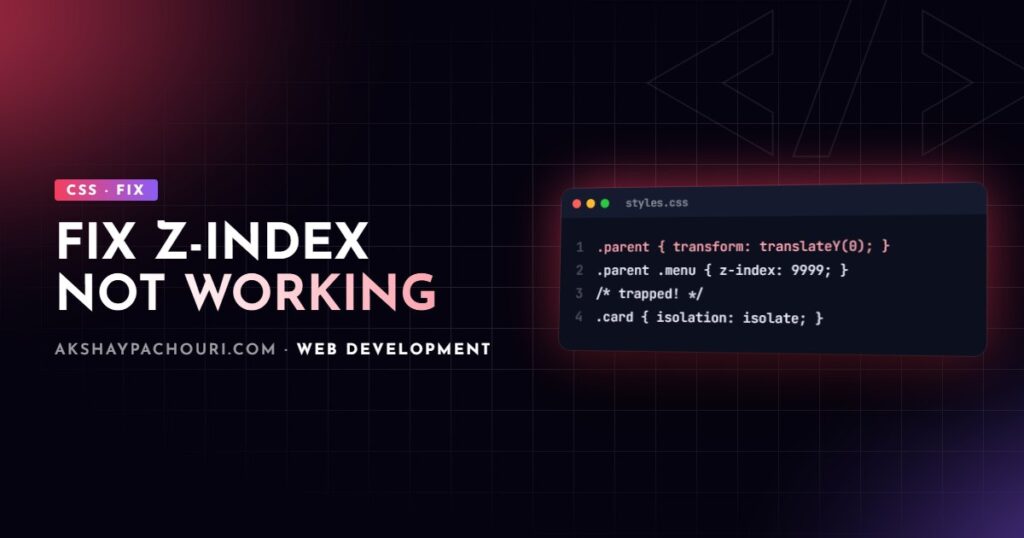
When z-index is not working, you set z-index: 9999 on a modal, dropdown or tooltip and it still appears behind another element. The value is almost never the problem. Either the element is not positioned, or it is trapped inside a stacking context that is itself layered below something else. This guide explains stacking contexts in plain terms and gives you a reliable way to find and fix the cause.
Quick fix
The most common cause is a parent creating a stacking context, so the child’s z-index only competes with its siblings inside that parent, never with the rest of the page.
- In DevTools, select the element that is wrongly hidden and walk up its ancestors in the Elements panel.
- In the Computed styles of each ancestor, look for
transform,opacitybelow 1,filter,will-change,isolation, orpositionwith az-index. The first one you find is the stacking context trapping your element. - Either raise the z-index of that ancestor, remove the property creating the context, or move the element out of it (for example with a portal, or into the top layer with
<dialog>).
/* The trap: transform creates a stacking context on .card */
.card {
  transform: translateY(0); /* e.g. left over from a hover animation */
}
.card .dropdown {
  position: absolute;
  z-index: 9999; /* only competes inside .card */
}

/* Fix: let the whole card rise above its neighbours while open */
.card:has(.dropdown[data-open]) {
  position: relative;
  z-index: 10;
}
How stacking contexts actually work
A stacking context is a group of elements that are layered together as a single unit. Inside it, children are ordered by their z-index. Outside it, the whole group is placed according to the context root’s own z-index, and nothing inside can escape. A child with z-index: 9999 inside a parent with z-index: 1 will always sit below a sibling of that parent with z-index: 2.
Think of it like version numbers: the child’s effective layer is “1.9999”, which is still less than “2”. Within one context, the paint order is roughly: background, negative z-index children, normal blocks, floats, inline content, positioned elements with z-index: auto or 0, then positive z-index children.
Common causes, most to least frequent
1. The element is not positioned
On a regular block with position: static (the default), z-index does nothing. Add position: relative (or absolute, fixed or sticky). The exception is flex and grid items, covered below.
.badge {
  position: relative; /* without this, z-index is ignored */
  z-index: 2;
}
2. A parent creates a stacking context
Many properties other than z-index create a stacking context. The ones that catch people out:
position: relativeorabsolutewith az-indexother thanautoposition: fixedorsticky(always, even without z-index)opacityless than 1, including during a fade animationtransform,filter,backdrop-filter,perspective,clip-pathormaskother thannonemix-blend-modeother thannormalisolation: isolatewill-changenaming any of the properties abovecontain: layout,paint,strictorcontent, andcontainer-typeofsizeorinline-size- A flex or grid item with a z-index other than
auto
Animation libraries are frequent culprits because they apply transform or will-change inline. So are sticky headers: a dropdown inside one layers according to the header’s context.
3. Comparing elements in different stacking contexts
Your modal has z-index 1000 and the header 100, yet the header wins. The modal is probably inside a <main> with z-index: 1 while the header, a sibling of <main>, has z-index: 2. Only ancestors that are siblings in the same context get compared.
4. It is clipping, not layering (the one people misdiagnose)
If your dropdown is cut off at the edge of its container rather than hidden behind another element, z-index cannot help. An ancestor with overflow: hidden, auto or scroll, or with clip-path or contain: paint, clips descendants regardless of z-index. Fix it by removing the overflow on that ancestor, using overflow: clip on only one axis where suitable, or rendering the dropdown outside the clipped container.
5. Flex and grid children behave differently
Flex and grid items honour z-index even when they are position: static. That is helpful, but it also means a z-index on a flex item creates a stacking context you may not expect, which can trap its children.
Fixing a modal trapped in a parent stacking context
Overlays should not live deep inside arbitrary components. Two robust options:
Use the top layer: dialog and popover
A <dialog> opened with showModal(), and an element with the popover attribute, render in the browser’s top layer, which sits above every stacking context on the page. No z-index required, and focus handling comes built in for modal dialogs.
<button popovertarget="menu">Options</button>
<div id="menu" popover>
  <a href="/settings/">Settings</a>
  <a href="/logout/">Log out</a>
</div>

<dialog id="confirm">
  <p>Delete this item?</p>
  <form method="dialog"><button>Cancel</button></form>
</dialog>
<script>
  document.getElementById('confirm').showModal();
</script>
Render through a portal
In React, createPortal renders into document.body while keeping the component in the React tree, so the DOM escapes the trapping ancestor:
import { createPortal } from 'react-dom';

export function Modal({ open, children }) {
  if (!open) return null;
  return createPortal(
    <div className="modal-backdrop">
      <div className="modal" role="dialog" aria-modal="true">
        {children}
      </div>
    </div>,
    document.body
  );
}
Using isolation: isolate on purpose
Stacking contexts are also a tool. isolation: isolate creates one without any visual side effects, which lets a component use internal z-index values freely without leaking them into the rest of the page:
.card {
  isolation: isolate; /* internal layers stay internal */
}
.card__image {
  position: relative;
  z-index: 1;
}
.card__overlay {
  position: absolute;
  inset: 0;
  z-index: 2;
}
Without isolation, the overlay’s z-index: 2 would compete with page-level elements such as a sticky header. Isolating components is the best habit for avoiding z-index wars.
Step-by-step diagnosis with DevTools
- Confirm it is layering, not clipping. Temporarily set
outline: 2px solid redon the element. If the outline is cut off at a container edge, look for overflow on ancestors. - Check the element’s own position. Computed
position: staticoutside a flex or grid parent means z-index is ignored. - Walk the ancestors of both overlapping elements and note each one that creates a stacking context.
- Find the shared ancestor where the two branches split, and compare the z-index of the two stacking-context roots directly under it. That comparison decides the outcome.
- Use a 3D view. Chrome’s Layers panel and Edge’s 3D View tool visualise compositing layers and z-index stacking, which makes trapped elements obvious. Panel names and availability vary by browser version.
// Paste in the console with the problem element selected ($0)
// Lists ancestors with properties that commonly create stacking contexts
let el = $0;
while (el && el !== document.documentElement) {
  const s = getComputedStyle(el);
  const reasons = [];
  if (s.position !== 'static' && s.zIndex !== 'auto') reasons.push(`z-index ${s.zIndex}`);
  if (s.position === 'fixed' || s.position === 'sticky') reasons.push(s.position);
  if (parseFloat(s.opacity) < 1) reasons.push(`opacity ${s.opacity}`);
  if (s.transform !== 'none') reasons.push('transform');
  if (s.filter !== 'none') reasons.push('filter');
  if (s.isolation === 'isolate') reasons.push('isolation');
  if (s.willChange !== 'auto') reasons.push(`will-change ${s.willChange}`);
  if (reasons.length) console.log(el, reasons.join(', '));
  el = el.parentElement;
}
It covers the common triggers only; check the full list above if it finds nothing.
Prevention: a z-index scale
- Define a small set of named layers as custom properties and use only those.
- Isolate components with
isolation: isolateso their internal values stay local. - Render modals, toasts and menus in the top layer or a portal, not deep in the tree.
- Remove leftover
transformandwill-changeonce animations finish.
:root {
  --z-dropdown: 100;
  --z-sticky: 200;
  --z-overlay: 300;
  --z-modal: 400;
  --z-toast: 500;
}
Sticky elements bring their own stacking surprises; fixing position: sticky covers those in detail.
Key takeaways
- z-index not working usually means a parent stacking context is trapping the element.
- z-index needs a positioned element, except for flex and grid items.
transform,opacity,filter,will-changeand sticky positioning all create stacking contexts.- Clipping from
overflow: hiddenlooks like a layering bug but z-index cannot fix it. - Use
<dialog>, popover or portals for overlays, andisolation: isolatefor components.
Frequently asked questions
Why is z-index 9999 not working?
Because the element is inside a stacking context whose root sits below the other element. The 9999 only ranks the element among siblings in that context, so raise the ancestor’s z-index or move the element out.
Does z-index work without position?
Not on regular blocks; they need a position other than static. Flex and grid items are the exception and respect z-index even without positioning.
Why does transform break z-index?
Any transform other than none creates a new stacking context, so the element’s children can no longer layer above content outside it.
What does isolation: isolate do?
It creates a new stacking context with no other visual effect, keeping a component’s internal z-index values from interacting with the rest of the page.
If layout and layering bugs are slowing your team down, get in touch and I can help clean up your CSS architecture.